
First Steps: Setting Up Your New Smartphone
Everything you need to know during the initial setup process. We'll walk you through each step.
Messaging, maps, camera, email, and one more. These apps do most of what you need. We explain how each one works and what it's really for.
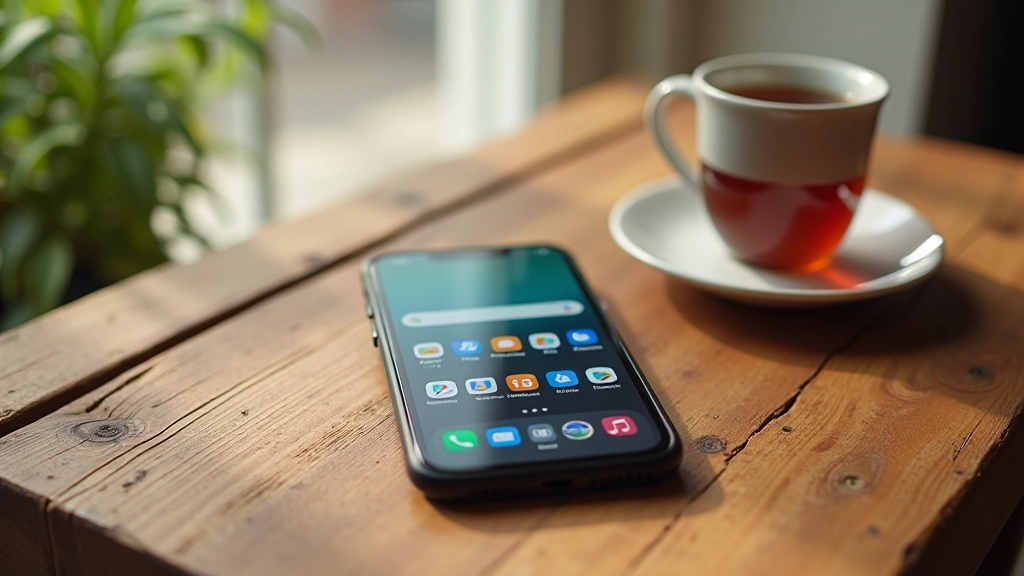
Your phone comes with hundreds of apps, but you're probably not using most of them. That's actually fine. Most people get by with a small set of apps they check every day. The trick isn't having everything — it's knowing which apps actually solve problems you have.
We've picked five apps that work on almost any phone and that you'll actually open regularly. They're not fancy or trendy. They're just practical tools that handle the things you do every day: staying in touch, finding places, taking photos, and reading your email.
Text messages are the backbone of phone communication. You'll use your default messaging app several times a day — whether that's SMS (regular text messages) or something like WhatsApp or Messenger.
Here's what you need to know: SMS works on any phone and doesn't need internet. But messaging apps like WhatsApp or Facebook Messenger let you send photos, voice messages, and longer conversations. They're free and work over WiFi, which saves your phone plan. Most people use whatever their friends use, so you're not locked into one choice.
Start with whatever came on your phone. If you want to add another app later, you can. Having both SMS and WhatsApp isn't a problem — they're separate, and you'll know which one to use for different people.
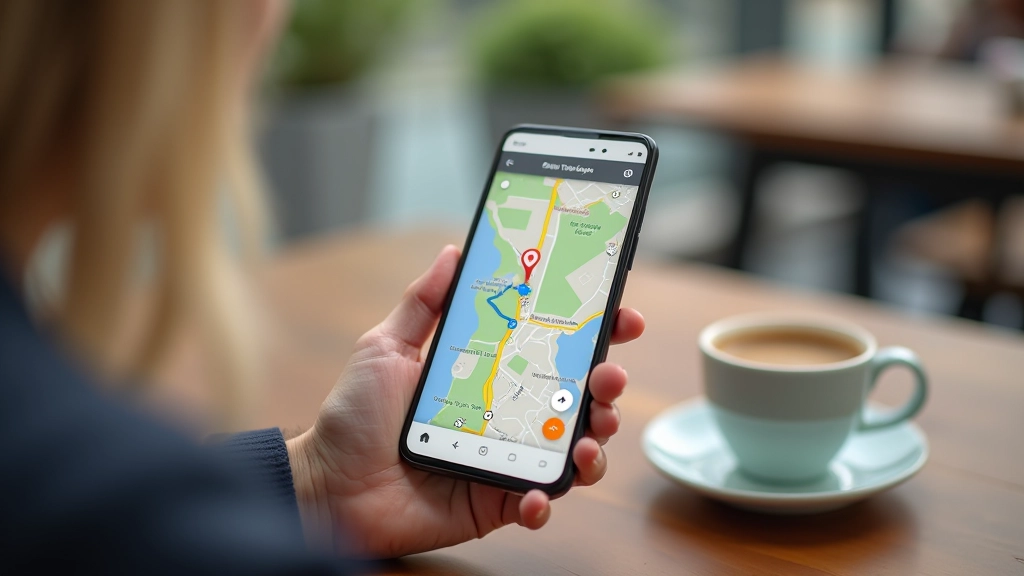
Google Maps (on Android) or Apple Maps (on iPhone) are the apps you'll reach for when you're driving somewhere new or trying to find a shop you've never been to. They're free, they work offline if you download the area first, and they show traffic in real time.
What makes maps essential: It tells you exactly how long the drive takes, which route to take, and warns you about traffic jams before you hit them. You can search for a type of place ("coffee near me") and it'll show you everything nearby with ratings and hours. It's also handy for finding an address when someone texts you one.
You'll open this app maybe 2-3 times a week if you drive, or daily if you're in a city and take transit. Either way, it's one of those apps that becomes part of your routine quickly.
The camera app on your phone is probably better than any standalone camera you owned five years ago. It's built in, it's always with you, and modern phones handle lighting really well.
Don't overthink it. The basic camera app works perfectly fine for everyday shots. Just open it, point, and tap the button. Most phones now have a night mode that kicks in automatically when there's low light. You'll notice the difference immediately — your photos from dim restaurants or evening walks won't look dark and grainy anymore.

Most phones come with a built-in email app. Setting it up takes about five minutes and then you'll get notifications whenever something important arrives. You don't have to check your email constantly — the app brings important messages to you.
You'll probably open the email app 5-10 times a day, especially if you work or manage appointments. It's where bills, confirmations, and messages from services end up. Having it on your phone means you won't miss something urgent just because you stepped away from your desk.
Setup is simple: Open the email app, enter your email address and password, and that's it. The app handles everything else. If you have multiple email accounts, most apps let you add them all to one place.
Your fifth essential app depends on your routine. Some people live by their weather app — checking it before heading out to know if they need a jacket. Others check their calendar constantly to see what's coming up that day.
Both come built into most phones. The weather app is straightforward: open it and you see the forecast for your location. The calendar app is where you keep track of appointments, birthdays, and events. If you share a calendar with family or colleagues, updates sync across everyone's devices automatically.
Pick whichever one you'll actually use. If you rarely check weather but you're always busy with appointments, the calendar is your fifth app. If you're outdoors a lot and weather affects your plans, the weather app matters more. There's no wrong choice — it's about what fits your life.
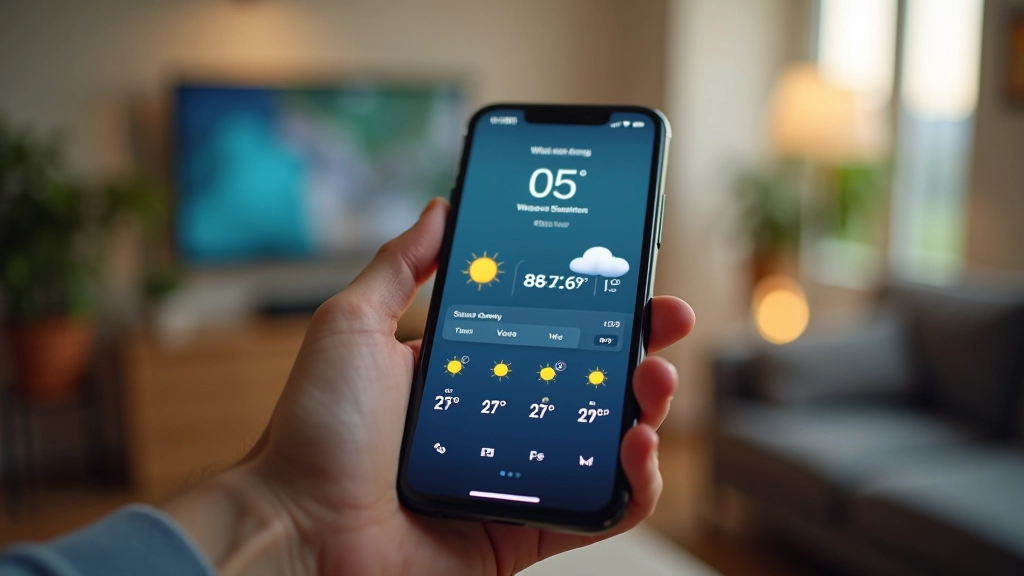
Digital tools and platforms change over time — app interfaces, features, and even availability can shift from month to month. The apps we've described here are the standards (Google Maps, Apple Maps, built-in messaging, camera, email, weather, calendar), but the exact steps or buttons might look different on your phone depending on when you're reading this. If something doesn't match what we've described, check the official app's website or help section for the latest details. And remember — take your time getting comfortable with anything new.
These five apps cover messaging, navigation, photography, email, and either weather or calendar. They're not fancy. They won't turn you into an influencer or change how you work. But they'll handle most of what you actually do on your phone every single day.
Start with these five. After a few weeks, you'll know which ones you actually use and which ones are just sitting there. Then you can decide if you want to add anything else. The best app is one you'll actually open — not the one with the most features.
Editorial Team
Written by the dhagavishwaska editorial team, focused on practical, clear guidance for smartphone setup and everyday app use.
Everything you need to know during the initial setup process. We'll walk you through each step.
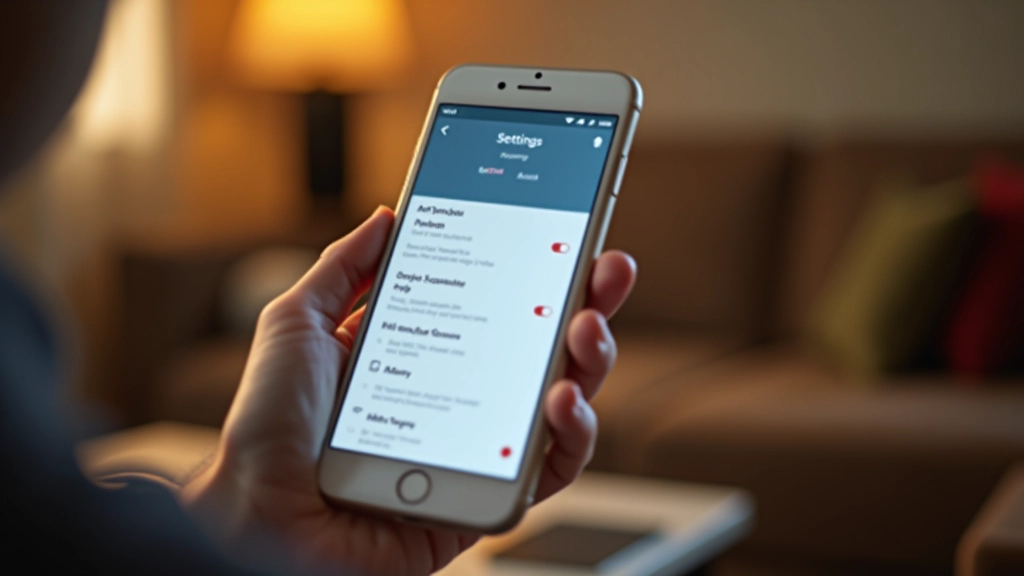
Not all settings are important. We've picked out the ones that make your phone easier to use.

Passwords, updates, and what to watch out for. Basic protection that actually keeps you safe.